Skip to content

Image to text, in Hebrew and English

A screenshot, a scan or a phone photo becomes text you can copy, edit and search. Hebrew reads right-to-left, with numbers and English words in their place.

Drop a document here

PDF, JPG, PNG, WebP · up to 20 MB

No document at hand? Try a sample:

  • 5 free pages every day
  • No signup
  • Files are not stored on our side
Text

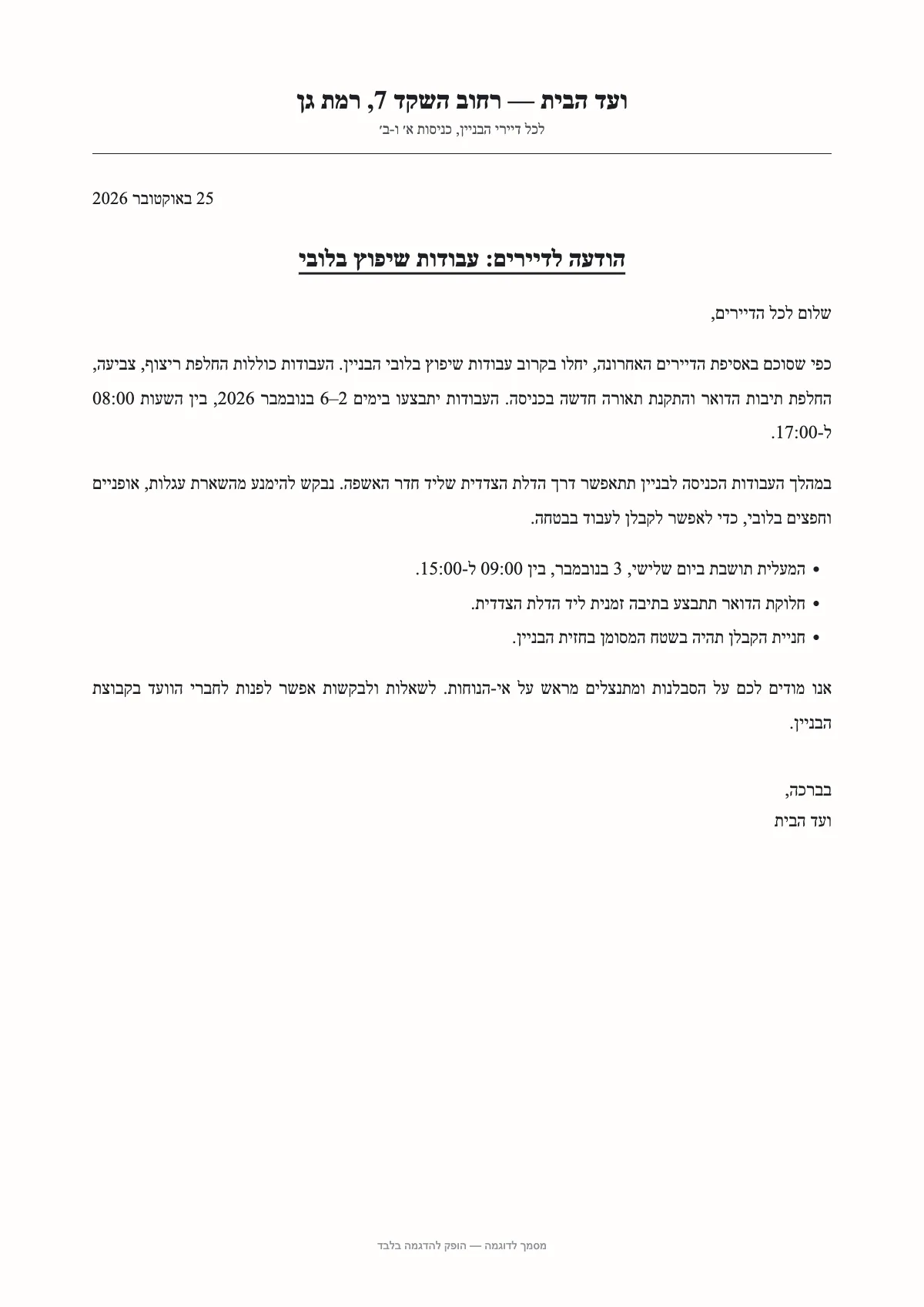
ועד הבית — רחוב השקד 7, רמת גן

לכל דיירי הבניין, כניסות א׳ ו-ב׳

25 באוקטובר 2026

הודעה לדיירים: עבודות שיפוץ בלובי

שלום לכל הדיירים,

כפי שסוכם באסיפת הדיירים האחרונה, יחלו בקרוב עבודות שיפוץ בלובי הבניין. העבודות כוללות החלפת ריצוף, צביעה, החלפת תיבות הדואר והתקנת תאורה חדשה בכניסה. העבודות יתבצעו בימים 2–6 בנובמבר 2026, בין השעות 08:00 ל-17:00.

במהלך העבודות הכניסה לבניין תתאפשר דרך הדלת הצדדית שליד חדר האשפה. נבקש להימנע מהשארת עגלות, אופניים וחפצים בלובי, כדי לאפשר לקבלן לעבוד בבטחה.

• המעלית תושבת ביום שלישי, 3 בנובמבר, בין 09:00 ל-15:00.

• חלוקת הדואר תתבצע בתיבה זמנית ליד הדלת הצדדית.

SampleA sample document and a result prepared in advance. This is how it looks in the workspace.
  1. 01

    Logical reading order

    Text comes out in the order people type it, line by line, so it pastes correctly into a document or an email.

  2. 02

    Structure kept

    Paragraphs stay paragraphs, and tables in the image also come out as a separate table.

  3. 03

    Copy or download

    Copy with one click, or download plain text, Excel or JSON.

How to turn an image into text

Drop the image on the page, paste a screenshot with ⌘V or Ctrl+V, or take a photo on your phone. The text appears next to the image as it is read, and the Text tab lets you edit and copy it.

What helps an image read well

Most reading mistakes start with the photo. A few habits make a difference:

  • Even light, with no phone shadow on the page.
  • The whole page in the frame, as straight as you can.
  • A sharp image: wait a moment for the camera to focus.
  • A screenshot beats a photo of a screen.

Hebrew, English and mixed lines

A Hebrew line containing an order number, an email address or an English word is where ordinary conversion breaks: parts of the line flip. Here the text keeps its logical order, so numbers and Latin words stay whole and in place.

Further reading

Questions

Questions about this tool

Can I convert a screenshot?

Yes. Copy the screenshot and paste it on the page with ⌘V or Ctrl+V. No need to save it as a file.

What about scanned PDFs?

Those too. Each PDF page is turned into an image in your browser and read on its own; each page counts as one page.

Is there a size limit?

Up to 20 MB per file. Large images are resized in your browser before they are sent, without hurting legibility.

Is Hebrew niqqud kept?

Printed, legible niqqud is kept in the text. Small or faded vowel marks read less reliably, so check them.