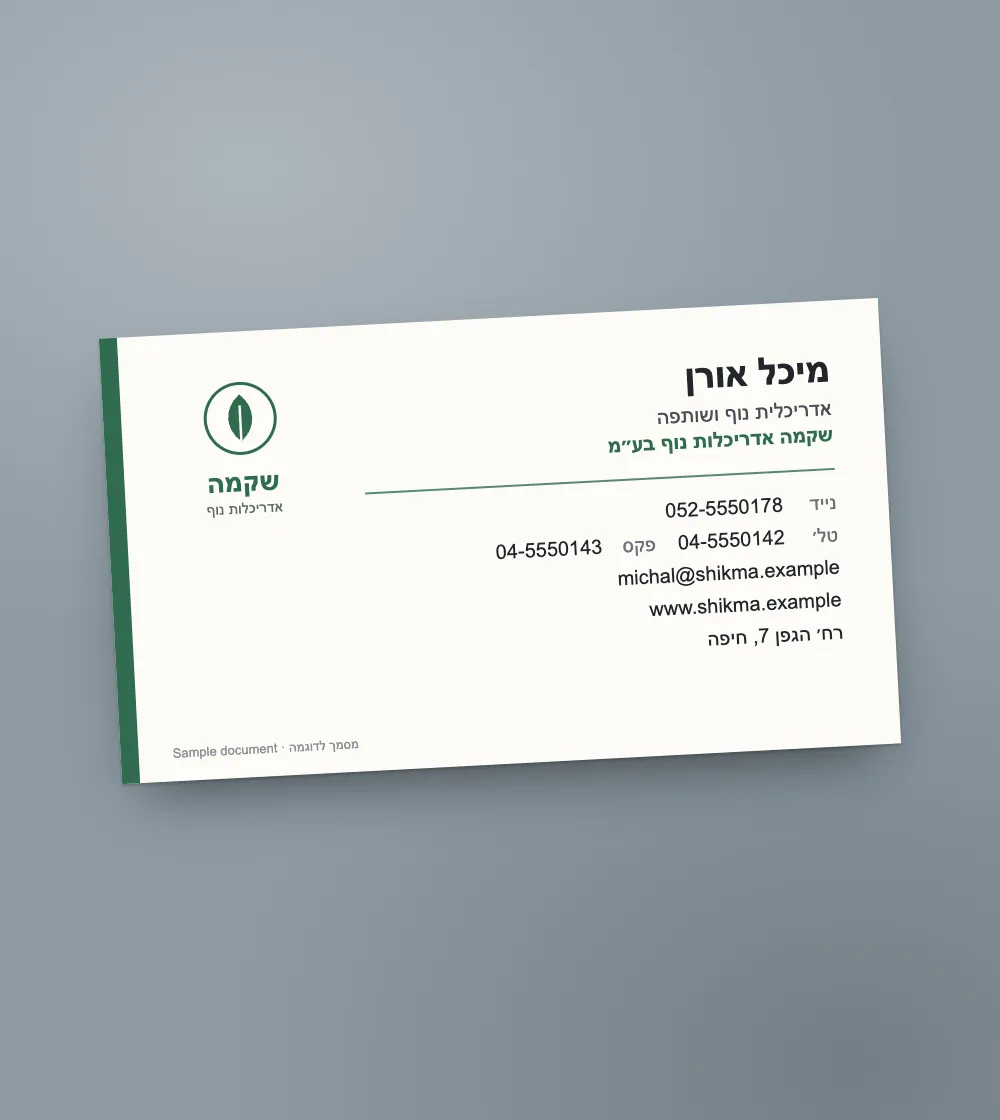
How to photograph a business card
A card is small and its details are smaller. A few habits help:
- Lay the card on a dark surface and shoot from above.
- Bring the phone close until the card fills most of the photo.
- For a glossy card, tilt the phone a little so the light does not glare on the print.
- For a two-sided card, photograph each side separately.
Into your phone's contacts
After the read, "vCard for contacts" downloads a vCard file. On a phone it opens straight in the add-contact screen; on a computer you can import it into Google Contacts or Outlook.
Into your CRM: one file, fixed columns
"CRM CSV" downloads a file with the columns first_name, last_name, full_name, company, job_title, email, phone, mobile, fax, website and address. In the import, map each column to the matching field. The columns are the same in every file, so the mapping is always the same.
Several cards at once: scan them into one PDF, one card per page, and you get one row per card. Each page counts as one page.